MEETING ROOM RESERVATION
Frequently Asked Questions
How do I book a meeting room?
- Select a room
- Choose the booking duration
- Select your preferred date and time
- Fill in the required details and submit your booking
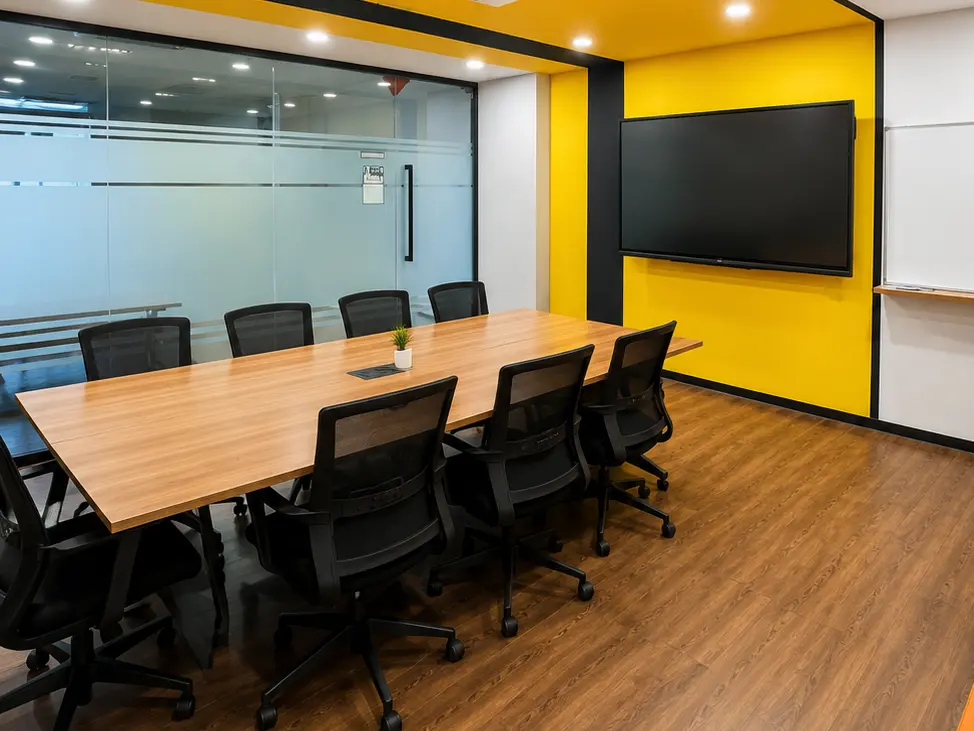
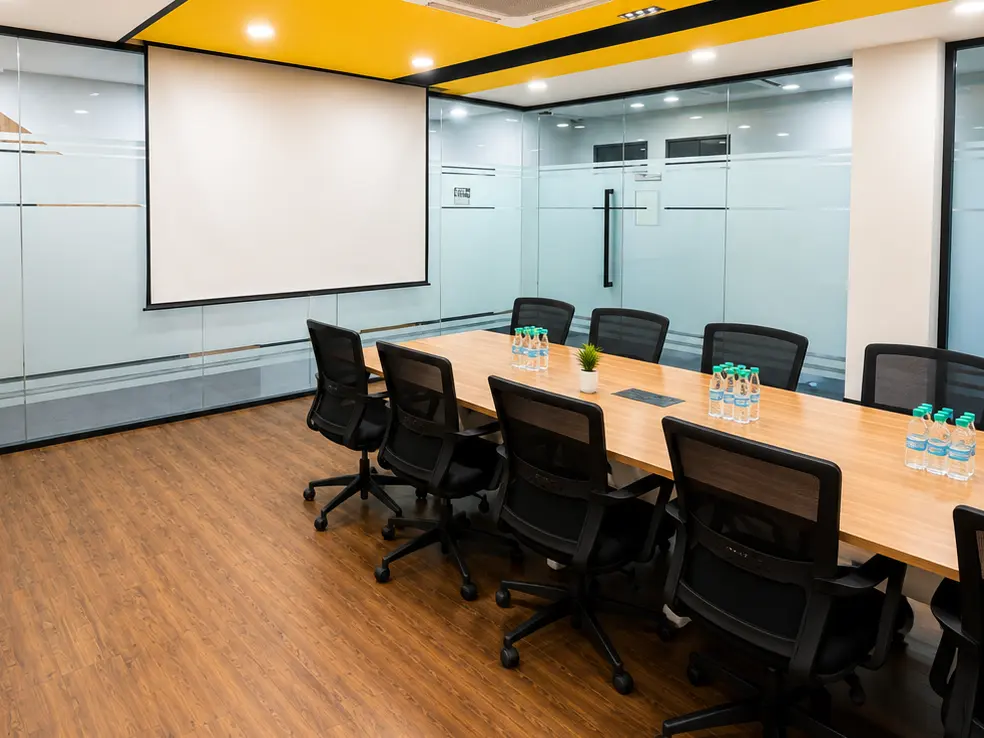
Note: To book MR1 + MR2, please make two separate bookings — one for MR1 and one for MR2.
How do I book MR1 + MR2?
MR1 and MR2 must be booked separately. Please submit one booking for MR1 and another booking for MR2 using the same date and time.
Can I book more than one room at the same time?
Yes. However, each room requires a separate booking.
Can I change or cancel my booking?
Please contact HR & Admin if you need to change or cancel your booking.
Is my booking confirmed immediately?
Your booking is confirmed after the submission is successfully completed. Please ensure the selected room and time are available.